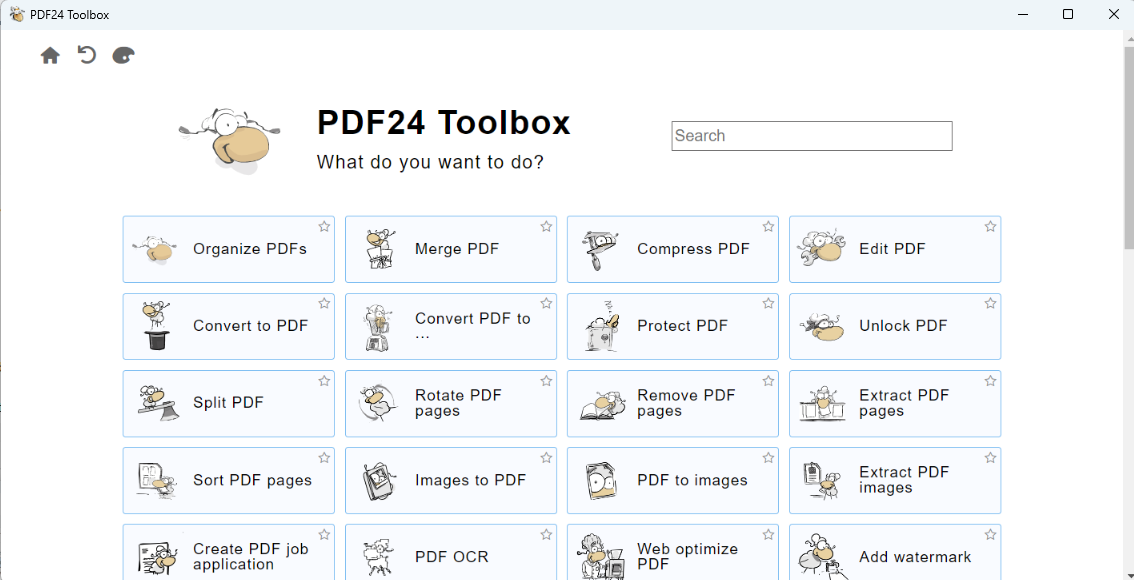
Open up the PDF24 application and select 'Convert PDF to ...'
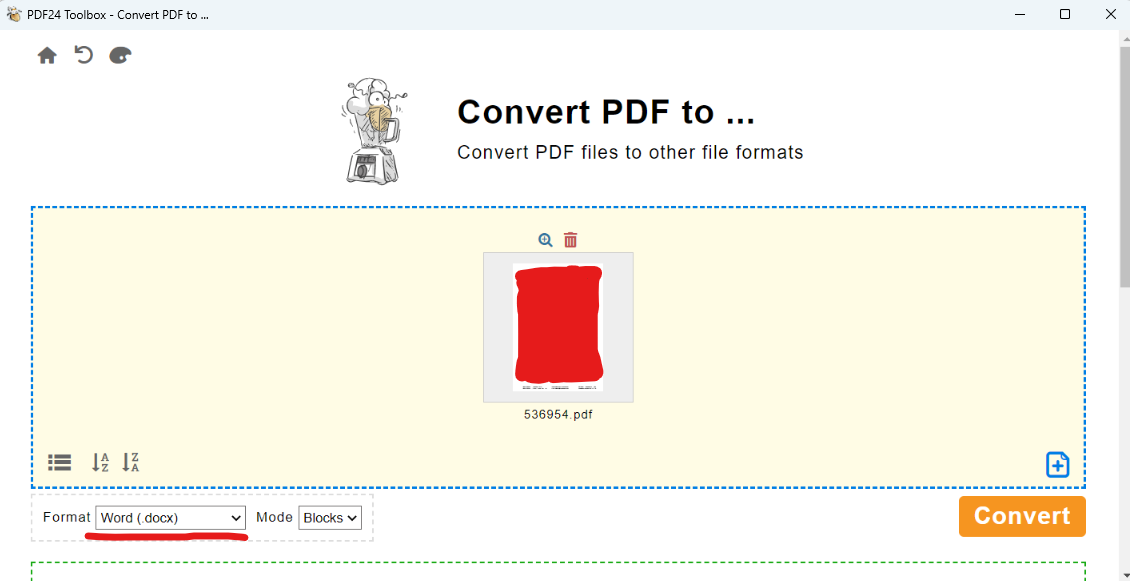
Click Choose files and then find the PDF file(s) you wish to convert. Click Open
In the Format dropdown, click on Word (.docx). Then click Convert and wait a until it finishes the conversion process (about 10-15 seconds)
Once converted, click Save and then you can select which folder to save it into.
Was this article helpful?
That’s Great!
Thank you for your feedback
Sorry! We couldn't be helpful
Thank you for your feedback
Feedback sent
We appreciate your effort and will try to fix the article