You can access your Salesforce email signature via clicking your profile icon in the top right ---> Settings ---> My Email Settings (on the left) ---> Signature. In the blank 'Signature' box, you can then paste your Outlook signature and click Save at the bottom of the screen
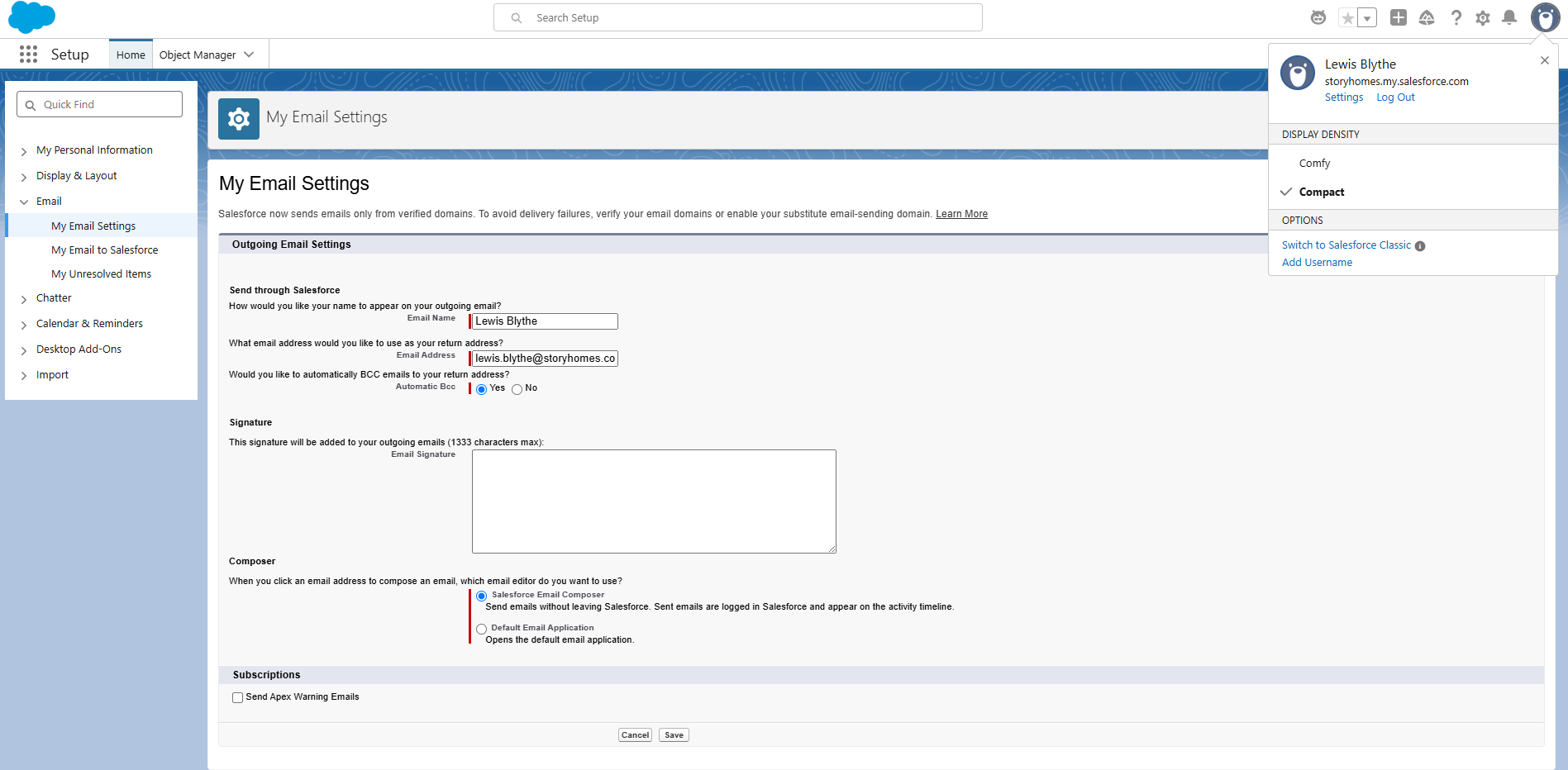
This will then append the signature to all your emails sent from Salesforce
Was this article helpful?
That’s Great!
Thank you for your feedback
Sorry! We couldn't be helpful
Thank you for your feedback
Feedback sent
We appreciate your effort and will try to fix the article