To access a record of all emails sent and received, please log in to the Mimecast portal using this URL: https://login-uk.mimecast.com/u/login/
On the login screen, enter your email address and click Next:
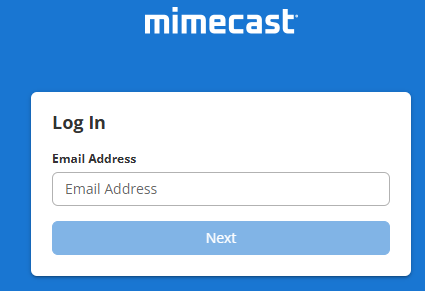
Enter your laptop password and if prompted, complete Multi Factor Authentication prompt.
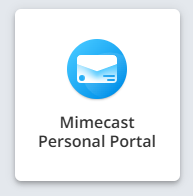
On the next screen, select Mimecast Personal Portal:
In here you will see your Inbox and Sent Items:
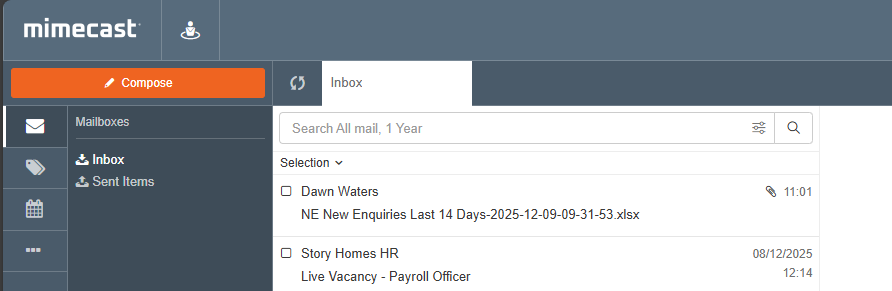
To forward any emails in here, tick the box to the left of the emails. A 'Forward' button will appear to allow you to forward these to your email address.
Was this article helpful?
That’s Great!
Thank you for your feedback
Sorry! We couldn't be helpful
Thank you for your feedback
Feedback sent
We appreciate your effort and will try to fix the article