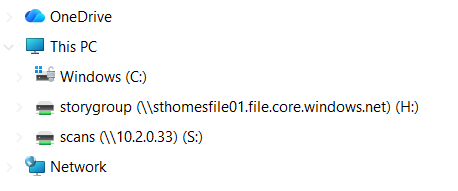
Occasionally you'll find that one of the shared drives has seemingly removed itself from your laptop, like in the below screenshot. The drive is usually still there, but just isn't showing. This is just a fairly common Windows 11 bug and is easily fixed
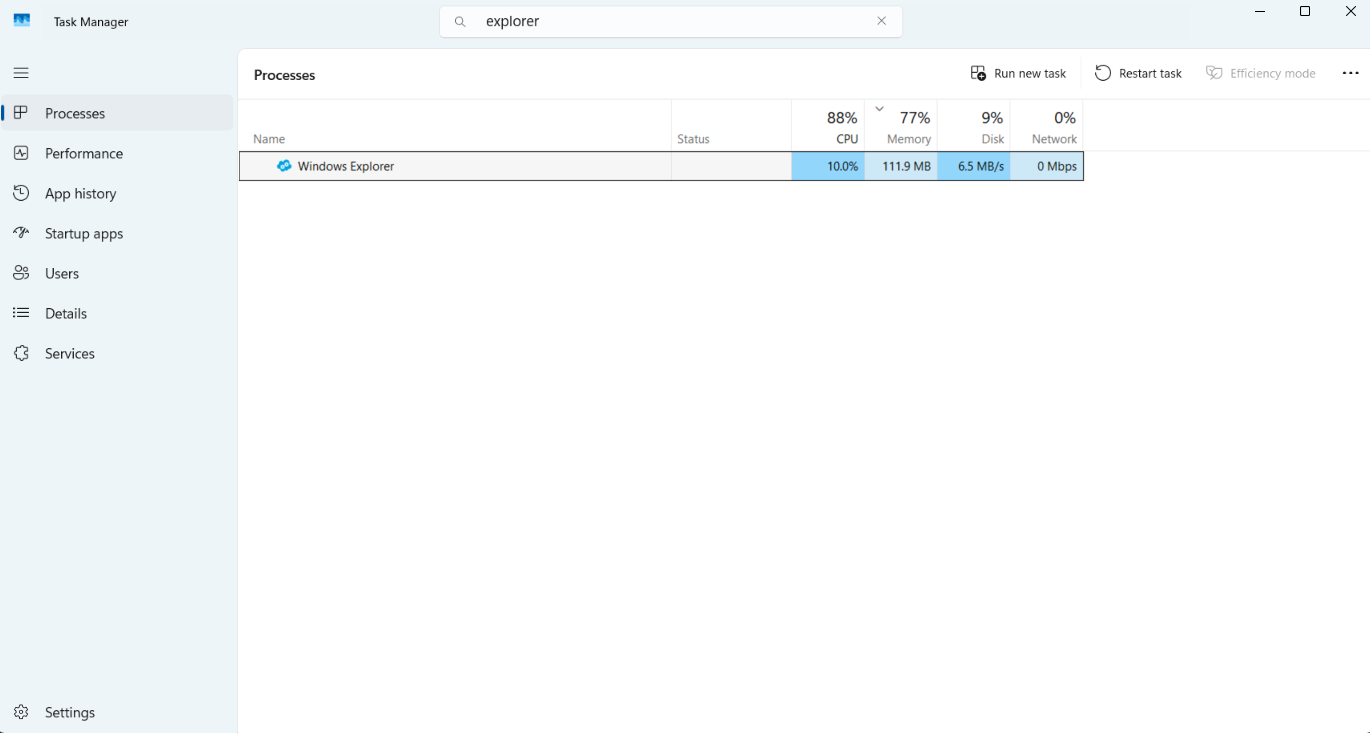
Open up Task Manager (just search 'Task' in the bottom search bar to find this) then search for 'explorer' within Task Manager. Click on this Process and then click Restart task in the top right like the below screenshot
Your laptop screen may go black for 1-2 seconds. After this, if you open File Explorer again the drive should re-appear
Was this article helpful?
That’s Great!
Thank you for your feedback
Sorry! We couldn't be helpful
Thank you for your feedback
Feedback sent
We appreciate your effort and will try to fix the article